
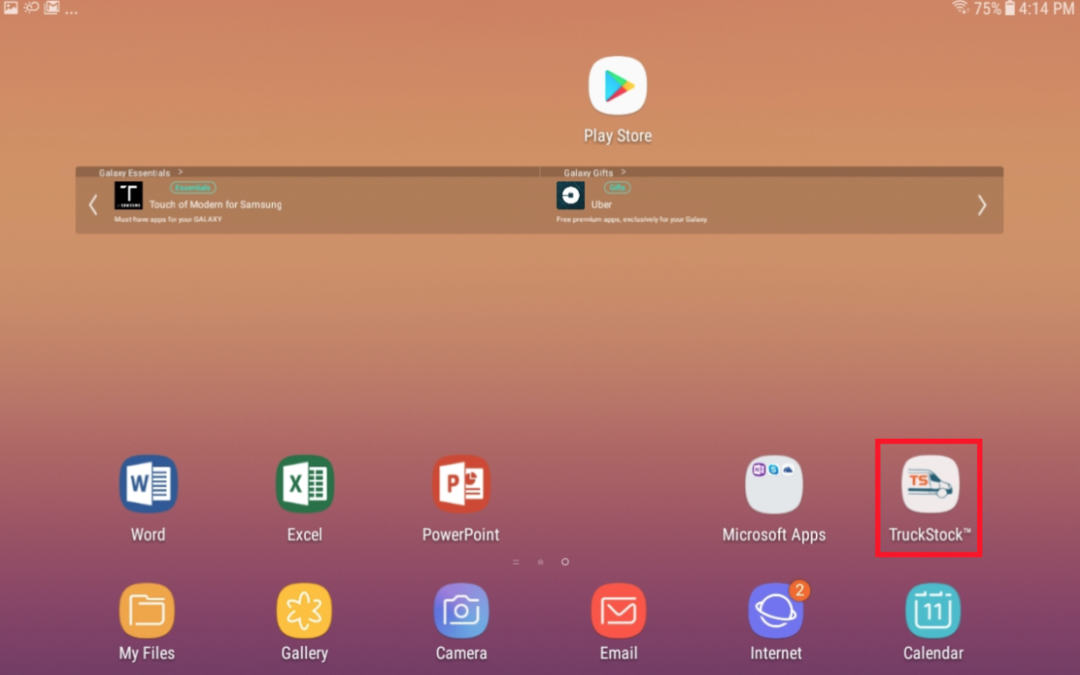
Follow these steps to add TruckStock to the home screen of your device for easy access.
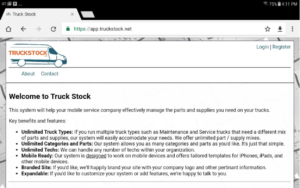
- Log into TruckStock
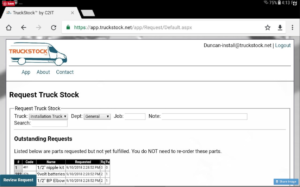
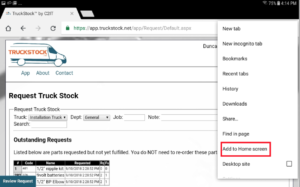
- Go to the Request Truck Stock page
- Click the 3 dots in the top right corner
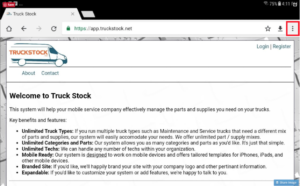
- Click “Add to Home screen”
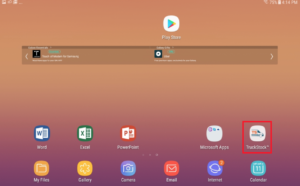
- Your shortcut is now on your home screen!
Recent Comments