
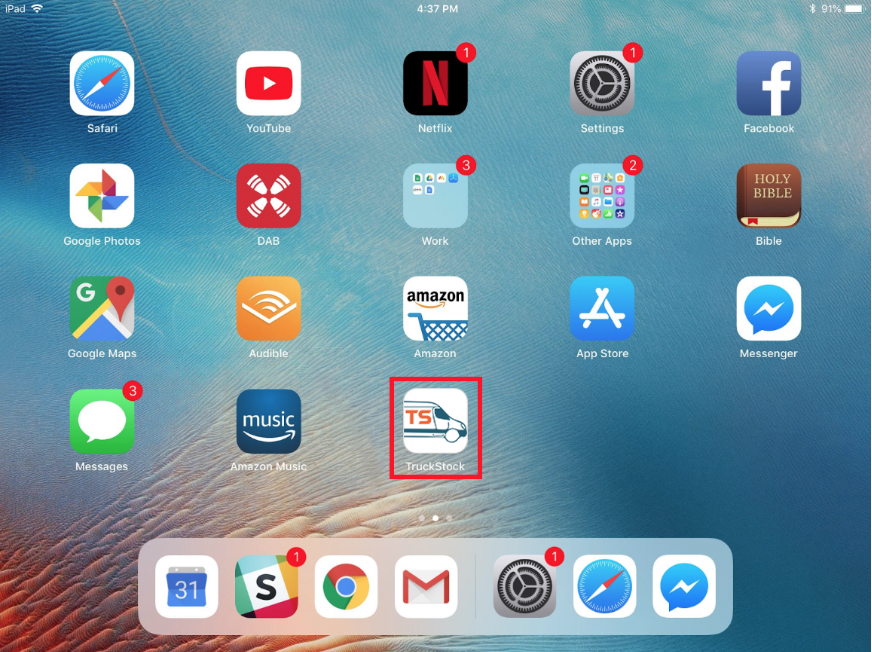
Follow these steps to add TruckStock to the home screen of your device for easy access.
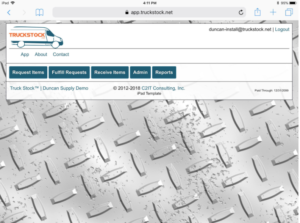
- Log in to the TruckStock App from your browser
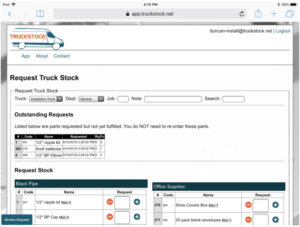
- Go to the Requests Page
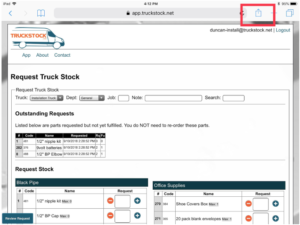
- Hit the Share button
- Scroll until you see Add to Home
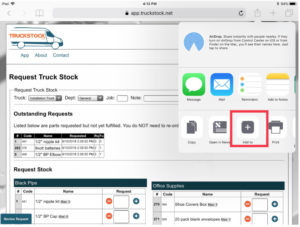
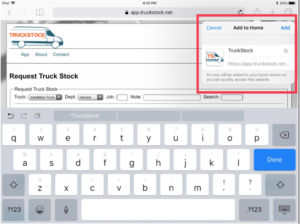
- And then click add to Home
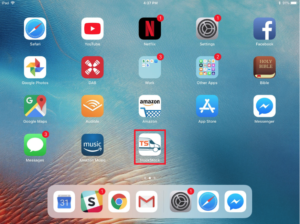
- The file is now on your home screen!
Recent Comments