

Technicians use inventory software when it’s faster than the old way, clearly helps them, and becomes part of the daily routine. Pick a tool that works on the phone they already carry, explain what’s in it for them, start with one simple habit, and follow up every week until the habit sticks.
Most rollouts don’t fail because the software is bad. They fail because techs were handed one more thing to do with no clear reason and nobody checked in after the first week. Techs are busy, and anything that slows them down at the job site gets skipped. The good news is that a little planning goes a long way. Our post on mobile views for field technicians covers why the tech experience matters so much.
Why Techs Resist New Inventory Tools
- It feels like paperwork. If it doesn’t help them, it feels like busywork for the office.
- It’s slow. Too many screens or taps, and it gets put off until “later.”
- Nobody explained why. Without a reason, it’s just a new rule.
- Nothing happens when they skip it. If nobody follows up, the habit never forms.
A Simple Rollout Plan
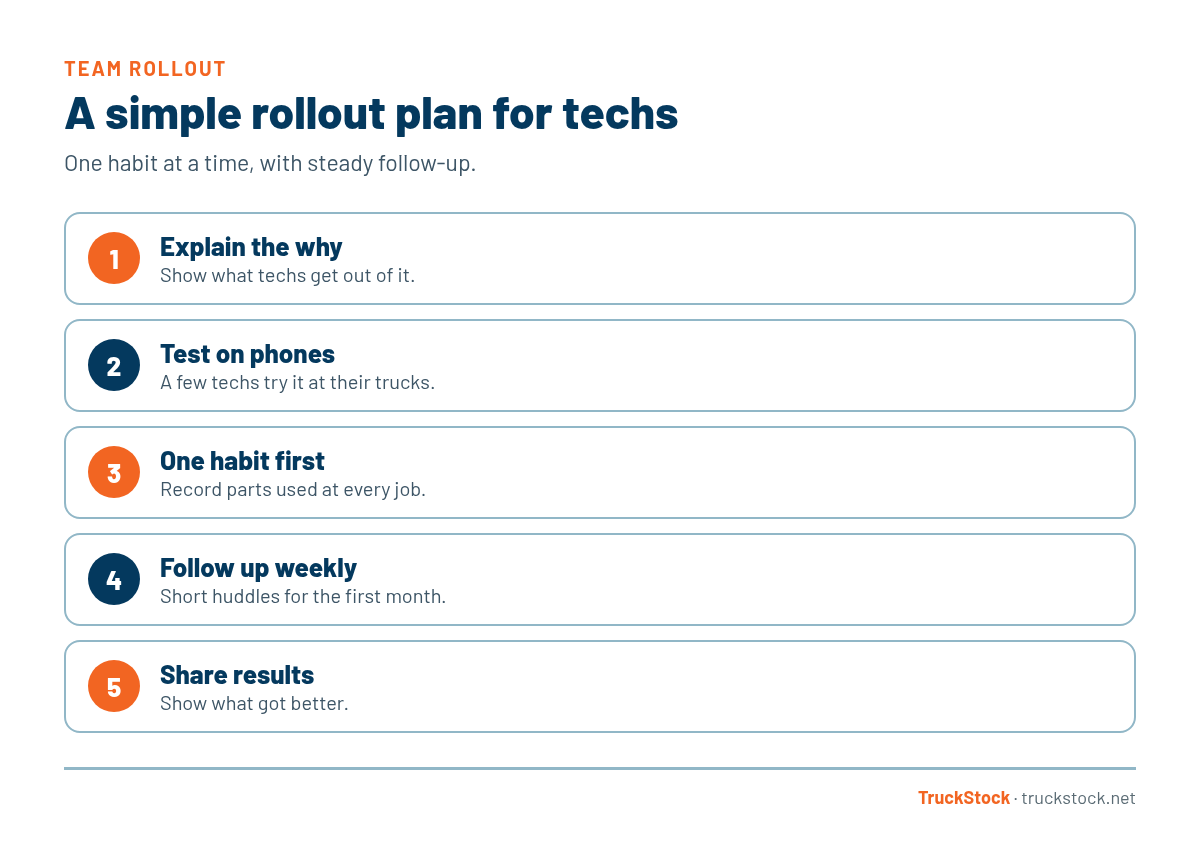
1. Start with what’s in it for them
Lead with the benefit to the tech. When parts are recorded, their truck gets restocked without them having to chase anyone. Fewer trips to the supply house, fewer callbacks, fewer awkward conversations with customers about a part they don’t have. That’s a much easier sell than “the office needs better data.”
2. Try it on a phone first
Before rollout, have a couple of techs try the tool on their own phones, standing at their trucks. If they find it clumsy, fix the setup or rethink the tool. Their feedback is worth more than any demo, and early testers tend to become the people others ask for help.
3. Start with one habit
Don’t roll out every feature at once. Start with recording parts used at each job. Once that’s routine, add confirming restocks, then transfers. One habit at a time sticks much better than a long list of new rules. The basic loop is covered in how to keep service trucks stocked.
4. Follow up every week
For the first month, look at what each tech recorded and talk about it in a quick team huddle. Thank the people doing it well. Help the ones who are behind. Most techs pick it up quickly once they see someone is paying attention.
5. Show the results
After a few weeks, share what changed. Fewer stockouts, faster restocks, or simply a truck that’s full every morning. When techs see the routine working for them, it stops being a rule and starts being how things are done.
Common Rollout Mistakes
- Launching everything at once with a long training session.
- Choosing a tool before any tech has tried it.
- Explaining the benefits for the office but not for the tech.
- Going quiet after launch week.
- Letting managers skip the routine while asking techs to follow it.
Getting Managers on Board Too
Techs notice when managers skip the routine. If the stockroom fills requests late or managers keep handing out parts without recording them, techs stop seeing the point. Make sure the people fulfilling requests follow the same rules you’re asking techs to follow.
How TruckStock Handles It
- Built for the phone. It runs in the phone’s browser, and techs can add it to their home screen. They sign in with their email address.
- Quick requests. Techs pick parts by category and quantity, with on-hand and max shown for each part.
- Easy invitations. Admins invite the whole team by email in one step.
- Help without guesswork. Admins can view the app as a specific user to see exactly what they see, and those sessions are logged.
Key Takeaways
- Lead with what the tech gets out of it.
- Test the tool on real phones before rollout.
- Start with one habit, then add more.
- Follow up every week for the first month.
- Share results so techs see the routine working.
Frequently Asked Questions
How long does it take for techs to adopt inventory software?
With a simple tool and steady follow-up, most teams build the core habit within a few weeks. The first month of check-ins matters most.
Should techs be required to record parts?
Yes, but explain why and make it easy. Requirements work best when paired with a clear benefit and a quick process.
What if a tech refuses to use it?
Find out why. Often it’s a real problem, like a confusing screen or a missing part in the catalog. Fix what you can, and be clear that recording parts is part of the job.
Do techs need company phones?
Not usually. If the tool runs in a phone browser, their current phones work fine, though some companies prefer company devices for other reasons.
Want to see how quick the tech side is? Start a free TruckStock trial and try a request on your phone, or contact our team.
Recent Comments