TruckStock Blog
How to Add Trucks and Stock Them
Add a truck in TruckStock, pick its truck type, choose how it should be stocked and assign technicians.
How to Create Truck Types (Part Templates)
Create a part template for each type of truck in TruckStock and add parts with recommended max quantities and restock levels.
How to Set Up Parts, Categories and Suppliers
Add part categories and suppliers, then add and edit parts in your TruckStock parts catalog, step by step with screenshots.
How to Set Up Departments and Stockrooms
Add departments for sorting requests and reports, and add stockrooms for your inventory, using Manage Departments and Manage Stockrooms in TruckStock.

How to Set Up Your Company Settings
Change your company name, upload a logo, and choose whether department and job number are required on requests in TruckStock Company Settings.
Getting Around TruckStock: The Dashboard and Administration Menu
A quick tour of TruckStock: the top menu, the Dashboard shortcuts for daily work, and every card on the Administration page and what it is for.
How to Create Your TruckStock Account
Step-by-step guide to signing up for TruckStock: enter your email, verify it with a code, add your details, and set up your trial company.
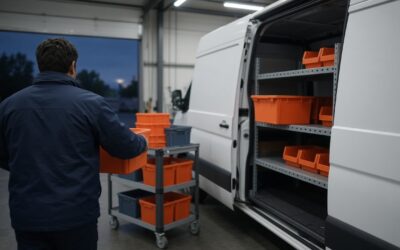
How Do You Keep Service Trucks Stocked? A Simple Restocking Routine That Works
How do you keep service trucks stocked? Give each truck a standard parts list with max quantities, record usage at the job, restock daily, and confirm receipt.
How Do You Set Min and Max Levels for Service Truck Inventory?
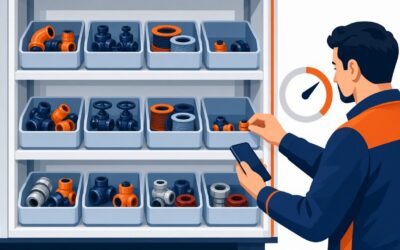
Set truck max levels from use between restocks plus a cushion, capped by space, and a min that covers you to the next restock. Steps and an example.

How to Track Parts Across Multiple Service Trucks (Including Truck-to-Truck Transfers)
Track parts across service trucks by treating each truck as its own location and recording every move: used, restocked, received, transferred, or adjusted.

What Should an HVAC Truck Carry for Heating Season?
Get HVAC trucks ready for heating season with common furnace parts like igniters, flame sensors, pressure switches, inducer parts, and controls, plus a plan for no-heat calls.

How Do You Know If Your Truck Stock Process Is Working?
Measure your truck stock process with a few signals: trips back to the shop, parts missing on jobs, count accuracy, how fast requests are filled, and how much stock sits unused.

How Do You Prepare Service Trucks for Cold Weather?
Prepare service trucks for cold weather by protecting freeze-sensitive materials, shifting stock toward winter calls, cleaning out summer extras, and counting each truck before the season.

How Do You Control Parts Requests Without Slowing Technicians Down?
Control parts requests with max levels that cap what a truck can request, clear messages when a limit is hit, required job numbers where they matter, and a quick review at fulfillment.
Should You Track Tools and Parts the Same Way on Service Trucks?
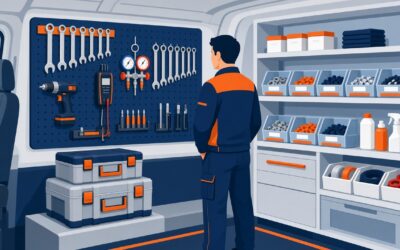
Tools and parts need different tracking. Parts get used up and restocked to max levels; tools are assigned to a tech or truck and checked periodically. Here is how to handle both.